01
Financial services
Reconciliation, reporting, and approval workflows with accuracy and an audit trail.
Connect your tools and handle multi-step decisions — agentic workflows with exception paths, not another trigger that breaks when the process changes.
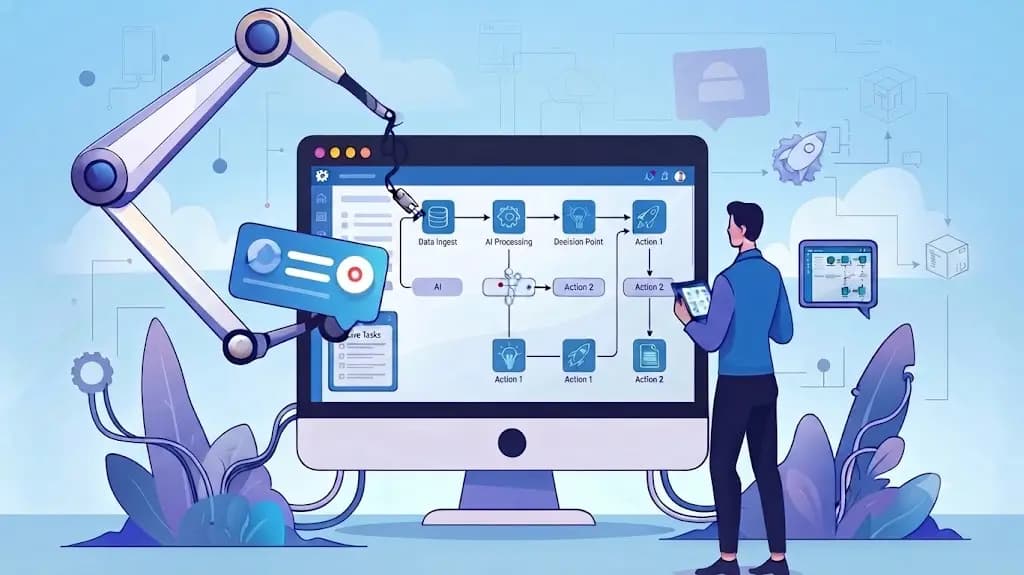
Most teams already use some automation: a trigger in Zapier, a scheduled report. Traditional workflow automation software only works as long as things happen exactly as designed. If a small part of the process changes, it breaks.
AI workflow automation introduces real decision-making. The system can handle messy, multi-step processes without a person intervening every time something looks slightly different. Some people call these agentic workflows — automation that does not just follow a script, but decides what needs to happen next.
It sits next to intelligent automation (AI plus RPA) and business process automation AI. CloudSwift maps the process, builds the workflow, and connects the tools you already run. Chatbots and assistants often trigger these workflows — see Enterprise Chatbots and AI HR Assistant.
Almost every business we talk to faces the same set of challenges.
Someone has to copy and paste data between them.
It cannot handle variation outside a narrow, predictable pattern.
Hours that could be spent on actual work.
Limited resources, already-full plates.
You cannot justify hiring, but the workload still grows.
AI workflow automation uses artificial intelligence to manage multi-step business processes more autonomously. Unlike older workflow automation tools that use rigid if-this-then-that rules, AI-driven workflows can interpret unstructured data, make judgment calls, and escalate to a human only when true uncertainty arises.
It is closely related to intelligent automation and agentic workflow orchestration. A no-code AI workflow automation platform can still be the builder; the difference is decision-making inside the steps, not only the trigger.
Can you just use ChatGPT to build a workflow? ChatGPT can help draft logic and scripts. It is not designed to run persistent, multi-tool processes your operations require. You still need a dedicated automation platform.
| Technology | Role | Use case | Benefit |
|---|---|---|---|
| No-code / low-code automation platforms | Visual builders connecting apps without custom code | Fast automation for teams without a large engineering bench | Rapid deployment, easier for non-engineers to manage |
| AI-native automation tools | Decision-making inside workflow steps | Judgment and unstructured data | Handles messy scenarios traditional tools cannot |
| RPA platforms | UI automation for systems without APIs | Legacy applications | Extends existing software instead of replacing it |
| Agentic workflow orchestration | Coordinate multi-step, multi-tool processes with agents | Complex operations with many decision points | Fewer manual handoffs |
| Business process automation suites | Workflow design, approvals, and reporting | Enterprise-wide operational processes | Integrated BPA for a wide range of tasks |
We use the tools you already have where they fit. The point is agentic workflow design, not a forced platform migration.
Reconciliation, reporting, and approval workflows with accuracy and an audit trail.
Administrative intake, scheduling, and documentation — not clinical decisions.
Routing, triage, and resolution of common inquiries.
Client onboarding, recurring reports, and internal operations.
Select a stage to read how it runs.
Map current manual processes and quantify the cost.
Role-based access on what the workflow can read and write.
A trail of steps taken and who approved exceptions.
Required decisions stay with a person in regulated or safety-critical cases.
Historical-data tests before production, including edge cases.
Workflows powered by real decision-making.
Integration first — not a costly platform migration.
A clear line between automated steps and required review.
AI workflow automation uses AI to manage multi-step business processes more autonomously, interpreting messy inputs and escalating only when true uncertainty arises.
Traditional workflow automation tools follow rigid if-this-then-that rules and break when the process varies. AI workflow automation can interpret unstructured data and make judgment calls inside the flow.
An agentic workflow is automation that does not only follow a script — it decides what needs to happen next across tools, with guardrails and human exception paths.
Intelligent automation is the intersection of AI and RPA — combining decision-making with the ability to act in systems, including legacy UIs.
ChatGPT can help draft logic and scripts, but it is not designed to run persistent, multi-tool operational processes. A dedicated automation platform is still required.
RPA automates clicks and forms in systems without APIs. AI workflow automation adds judgment across steps. Many engagements use both.
A visual builder that connects apps without custom code, with AI decision steps inside the flow so non-engineers can still ship automations.
BPA suites that use AI inside enterprise workflow design, approvals, and reporting — typically for broader operational processes, not a single Zap.
Decisions legally or operationally required to be made by a human — for example medical diagnoses or major financial transactions. Automation can support those steps; it should not replace sign-off.
It depends on integrations and exception paths. We typically start with a lower-risk process, test against historical data, then expand.