01
Healthcare
Shift-based staff who need HR answers outside standard office hours.
Give employees instant answers on PTO, benefits, and policy — and give HR back the hours spent answering the same question for the fifteenth time.
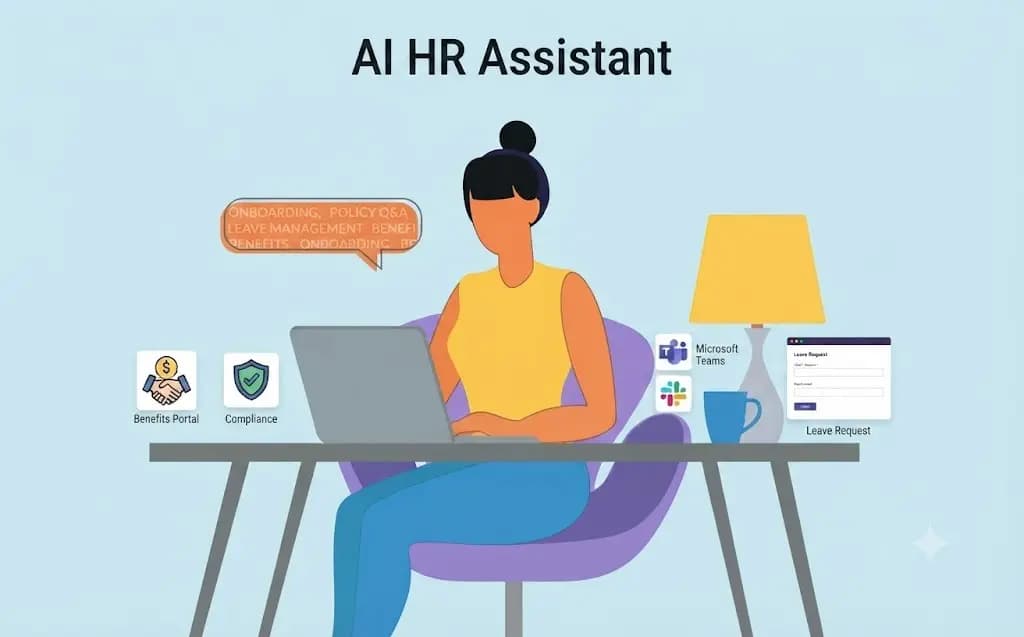
Ask any HR team what eats their week, and a chunk of the answer is the same handful of questions — how many PTO days are left, when open enrollment starts, what the policy is on X. An AI HR assistant, often called an HR chatbot, catches those questions before they land on a person's desk.
It gives employees instant answers around the clock, and it gives HR back the time they used to spend answering the same thing again. CloudSwift configures the assistant on your policies and HRIS, with escalation to a real person when the question is sensitive or the answer is not certain.
Teams that also need a customer-facing front door often pair this with our Customer Support Agents. Internal documentation questions that go beyond HR policy sit with Enterprise Knowledge Base Agents.
A few patterns show up in almost every HR team that looks into an HR chatbot or HR virtual assistant.
Those tickets take time that could go toward actual HR work — culture, development, complex employee situations.
Distributed and shift-based teams wait until someone in HR is free. An AI HR chatbot does not.
First-week questions pile up on whoever happens to be available.
Growth and reorgs stretch HR with no easy way to scale support without hiring.
Questions bounce across email, Slack, and whoever is free. HR self-service is missing.
An AI HR assistant is a chat-based tool that uses AI to answer employee questions about HR topics: PTO balances, benefits, company policy, onboarding steps, and more.
It is functionally very close to an HR chatbot; the terms are used almost interchangeably. “Assistant” sometimes implies more than answering — kicking off an onboarding workflow or routing a request. An AI assistant still keeps a human owning policy. An AI agent implies more autonomous action. Most HR tools in this space today are assistants.
The core idea is HR self-service: a front door for employees, and time back for HR. An AI recruiting assistant is a separate category — candidate screening and hiring, not ongoing employee support.
| Technology | Role | Use case | Benefit |
|---|---|---|---|
| Conversational AI platforms | Natural-language understanding behind employee questions | Enterprise-scale employee self-service | Handles a wide range of phrasing without rigid scripts |
| HRIS-native assistants | Built into the HR platform you already use | Teams that want AI without adding a new login | Works with data already in the system |
| Slack and Microsoft Teams | Deliver the assistant where employees already work | Distributed or hybrid teams | No separate portal required |
| HR chatbot builders | Configurable platforms for HR-specific workflows | Custom HR chatbot shaped around your policies | Flexibility without a generic template |
Recruiting-specific AI assistants — screening and scheduling — are a related category, not this service. See AI recruiting assistant as a separate scope.
Shift-based staff who need HR answers outside standard office hours.
High turnover and onboarding volume without overwhelming a small HR team.
Employees across time zones get instant HR support.
HR stays on higher-value work as headcount grows.
Select a stage to read how it runs.
Identify the most common employee questions and where HR time currently goes.
Role-based access to employee data so the assistant only sees what it is allowed to see.
Full logs of what was asked and answered for review.
Clear paths for anything that should not be handled by AI alone.
HR retains judgment and accountability. Named certifications are cited only where formally verified.
Every escalation path leads to a real person.
Integrates with the HRIS and benefits platforms you already use.
Configured around what you actually publish to employees.
An AI HR assistant is a chat-based tool that uses AI to answer employee questions about HR topics like PTO, benefits, and company policy, instantly and around the clock.
The terms are largely interchangeable, both describing AI-powered tools that handle routine employee HR questions.
No. An AI HR assistant is built to support HR teams by handling repetitive questions, not to replace the judgment and complex decision-making HR work requires.
The right tool depends on your HRIS, team size, and how much of the work you want automated, ranging from HRIS-native assistants to standalone chatbot platforms.
Most teams start by identifying repetitive employee questions, then deploy an AI HR assistant to handle those directly while routing complex issues to a human.
Most AI HR assistants integrate with major HRIS and benefits platforms, either natively or through a connected tool.
Yes. Many AI HR assistants guide new hires through common first-week questions and can trigger onboarding workflow steps automatically.
An AI HR assistant handles ongoing employee support, while an AI recruiting assistant focuses on candidate screening, scheduling, and hiring workflows.
It routes the question to the appropriate HR team member, so the assistant handles what it can and escalates the rest.
Timelines vary by HRIS complexity, but a focused rollout covering common employee questions can typically launch within a few weeks.
Adoption is usually high when the assistant is fast, accurate, and available where employees already communicate, such as Slack or Teams.
No. Sensitive matters like investigations should always be routed to a human HR team member. The assistant is designed for routine, policy-based questions.
Human review covers escalated questions, periodic audits of assistant answers, and ownership of the underlying policy content. The assistant handles volume; HR retains judgment and accountability.
By connecting the assistant directly to current HRIS and policy documents as the source of truth and regularly reviewing flagged or low-confidence answers.